I only feel a vibration but no longer the beep sound when I touch the mic. I have tried everything and yes switch access is on. Please help if you know how do it.
 Girl's Behavior
  Guy's Behavior
  Flirting
  Dating
  Relationships
  Fashion & Beauty
  Health & Fitness
  Marriage & Weddings
  Shopping & Gifts
  Technology & Internet
  Break Up & Divorce
  Education & Career
  Entertainment & Arts
  Family & Friends
  Food & Beverage
  Hobbies & Leisure
  Other
Other  Religion & Spirituality
  Society & Politics
  Sports
  Travel
  Trending & News

I only feel a vibration but no longer the beep sound when I touch the mic. I have tried everything and yes switch access is on. Please help if you know how do it.


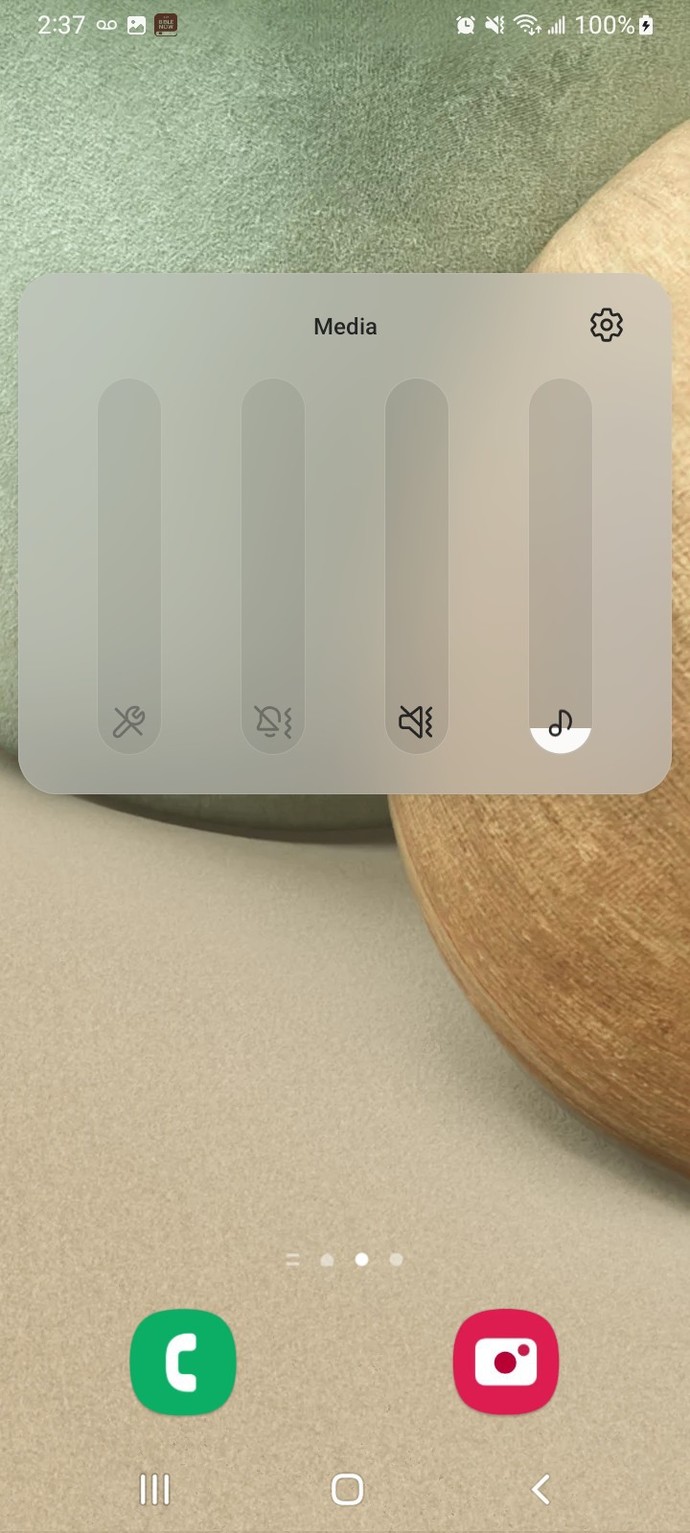
Have you tried putting up the volume, clicking on the 3 dots and put up all the volumes?










Opinion
2Opinion



You can also add your opinion below!