G@G is super slow at loading or may not load at all. My smart tv is freezing at times too. I have reset my router a half dozen times to no avail. I also have Norton and am wondering if that can be the problem but have had it for awhile and have not had this issue before. Seems like I have had to replace the router before so I may need to again. Anyone else having a problem on G@G or maybe offer suggestions? I hate it when I kick back after making dinner and want to watch a good show , like Forged in Fire, and feed my face , and then have the TV go on the fritz.
Updates
+1 y
I think I found the answer. The back of my TV has an ethernet plug in and had a wad of excess wire hanging on it. I took the cable and tied it up to take any strain off the connection and now both the TV and Internet seem to be working again. Though I have no idea why the ethernet to the TV affects my computer which has it's own ethernet cable from the router to the computer.
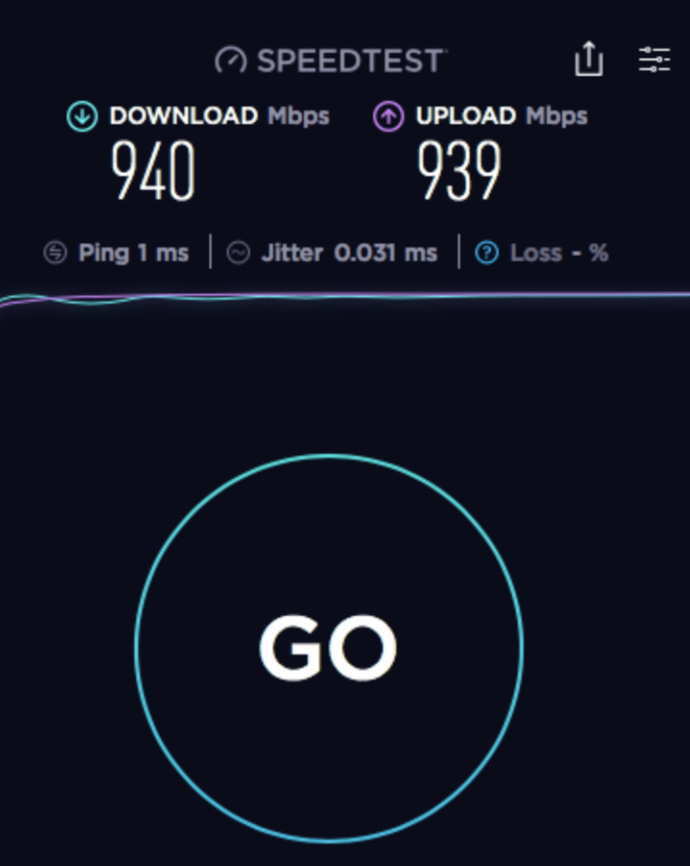
For starters you should run an Internet speed test & whatever speed you are paying for is what you should be getting. My internet provider gave me a Cable Modem that is 16x4 which has 16 downstream channels & 4 upstream channels & I noticed that was lag time on my network so I bought my own cable modem which is 32x8 or 32 downstream channels & 8 upstream channels & that made a difference. On the other hand I had an old WIFI Router that was actually couldn’t handle the speeds I was paying for so I went out & bought a new WIFI Router & now I get higher speeds than I’m guaranteed to get.
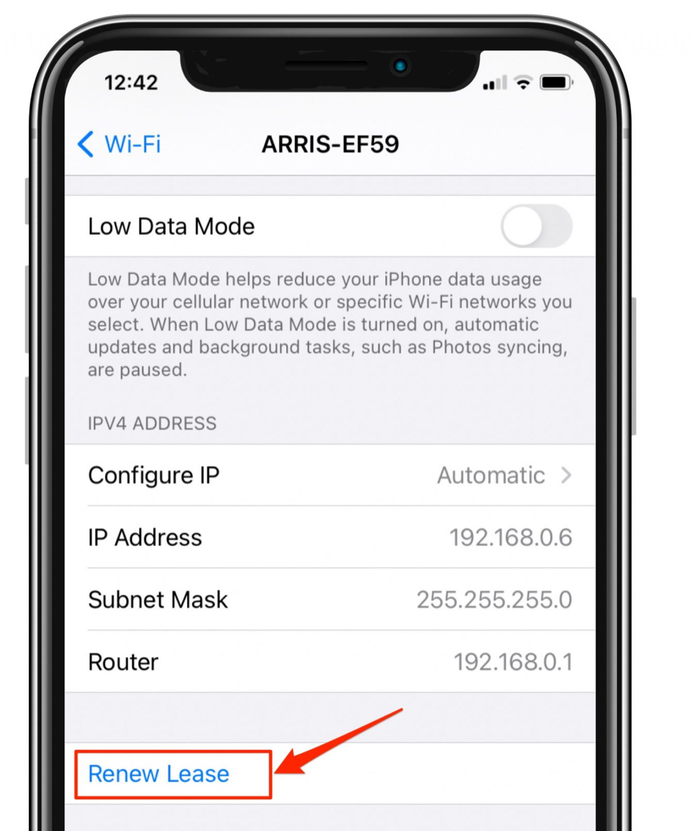
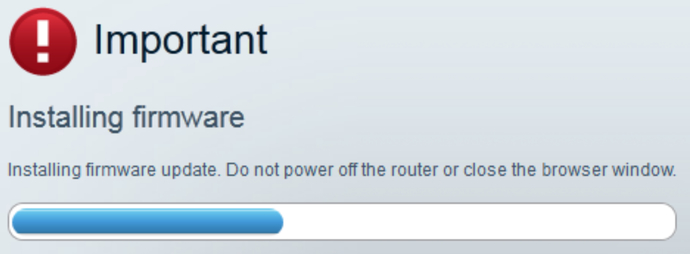
From time to time you should login to your wifi router & go into settings & click RENEW LEASE & it will assign you a new IP ADDRESS. In addition from time to time you should login your wifi router & click UPDATE FIRMWARE to download the latest software for your router. Change your router password & wifi password from time to time for addition security.
Use Ethernet Cables
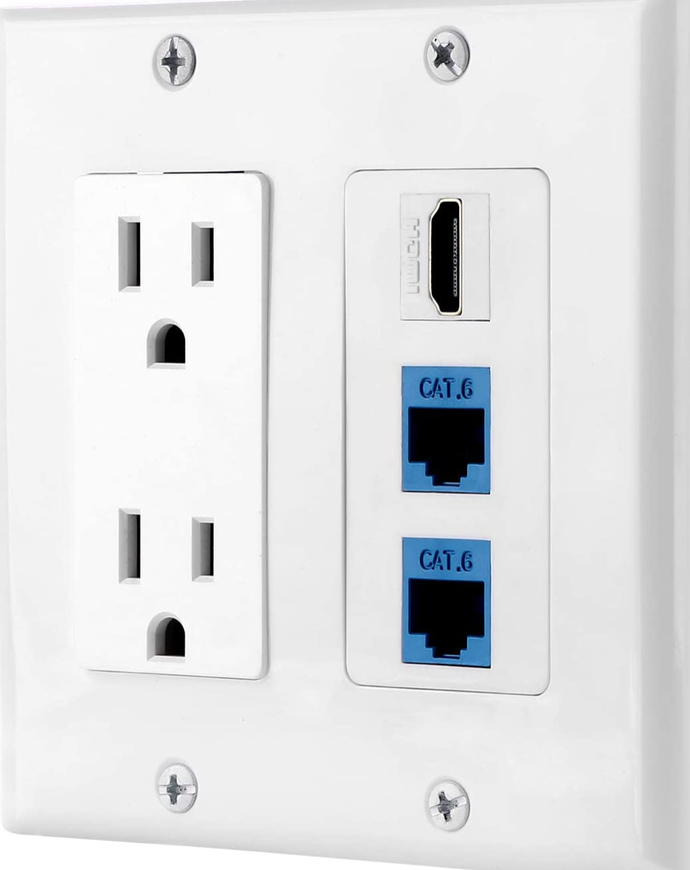
As for my house I networked it & as for my smart tv’s instead of using wifi to stream to them which I would get the circle of death when it buffers I have direct Ethernet Cables going into the back of my tv’s & no problems anymore.
A direct connection to your smart tv would fix the buffering problem if you have it & make streaming faster as well. As for your computer run an internet speed test on it & make sure you are up to date on system updates as well. As for your internet provider there could be a problem on their end as well & that could slow network traffic as well & don’t be afraid to call your internet people & have them come out & check your lines. Before I bought my own cable modem every year I would take my old cable modem back to my internet provider store & have them give me updated equipment & if you don’t have a local store call them up & ask them to send you a new cable modem keeps shutting off from time to time & tell them it seems feels hot. Also there could of been a storm in your area or a lot of people using the network & could lead to slowing it down.
685 opinions shared on Technology & Internet topic.
Questions.
Who is your internet provider? Are you using wifi or a wired connection from your router to your computer? Do you have a combination modem and router or are they separate pieces of equipment?
Please do a speed test and post the results.
When modems and routers fail they usually stop working and don't start again. This sounds like something different like a bad configuration or an upstream issue in the network.
And how do you do a speed test exactly? Here is another clue. My protected (by Norton) Edge is the one stalling, but Google Chrome is working better and is not protected.
You should get a result that looks sort of like this - do two tests - one on the machine running Norton, and one on the other on the same day and time.
if they are using wifi, try connecting one directly to the router using an RJ45 cable, turn OFF the wifi, and try the speed test again. Wifi is generally a lot slower than a direct cable connection (I am using one).
it will be that, or the modem/router is bad, or the drop cable is bad. If the new cable doesn't solve this then you should call the provider - who is it?
345 opinions shared on Technology & Internet topic.
You might want to buy a new Ethernet cable and see if the connections are better. If not, return that and get a couple of links" of Velcro-type sticky-loops. Stick on the back of the TV to hold up the cables/connection.
I just looped them to the wall mount. Every thing is working fine now. I figure vibration was causing the ethernet cable to move around and break the connection every couple of minutes which caused the freezing. Still have no clue why my computer would freeze too as it had it's own cable connection.
@msc545 Well after I relieved the wire hanging in back of the TV both the internet and TV were working again. So it wasn't the router, just my colossalness.
 Girl's Behavior
  Guy's Behavior
  Flirting
  Dating
  Relationships
  Fashion & Beauty
  Health & Fitness
  Marriage & Weddings
  Shopping & Gifts
  Technology & Internet
  Break Up & Divorce
  Education & Career
  Entertainment & Arts
  Family & Friends
  Food & Beverage
  Hobbies & Leisure
  Other
Other  Religion & Spirituality
  Society & Politics
  Sports
  Travel
  Trending & News